
One Mac. Multiple contexts, right when you need them.
Context profiles in the menu bar and a filtered ⌘ Tab — see only the apps for this moment, without closing what you already had open.
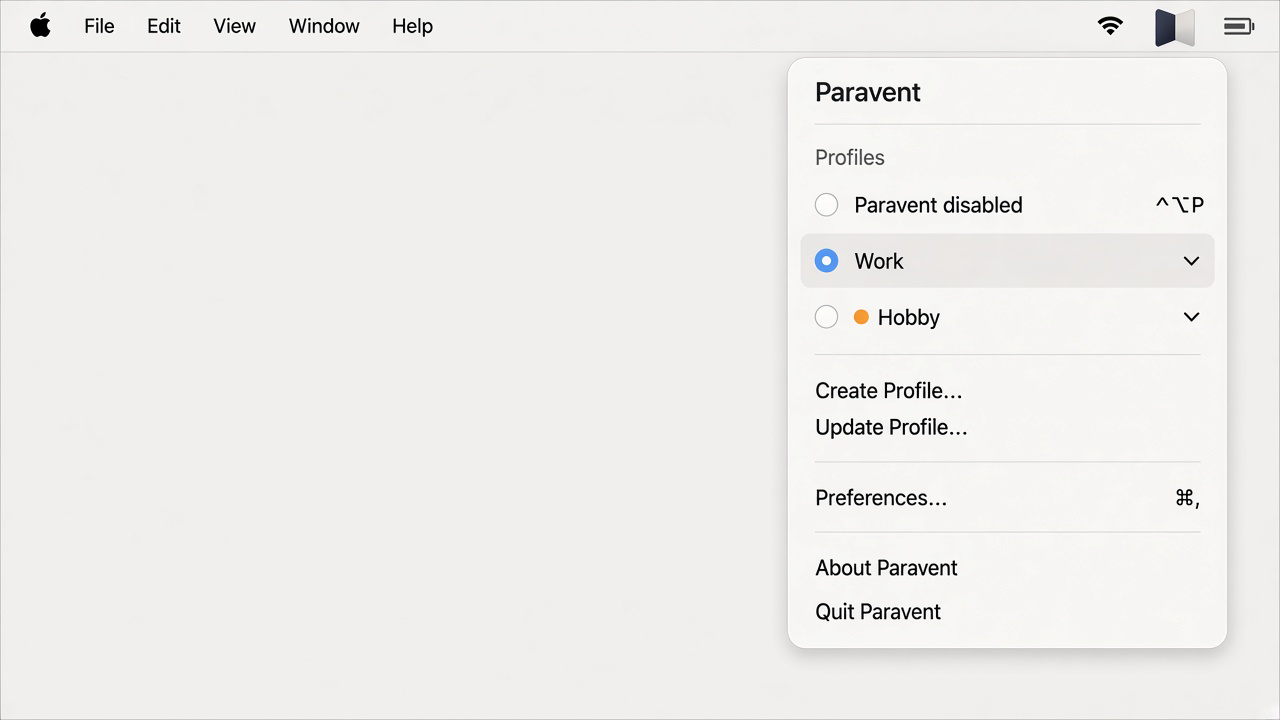
Switch context without interrupting what you were doing.
Your apps stay open. Paravent helps you stay focused and shows you only the ones that belong to the active profile.
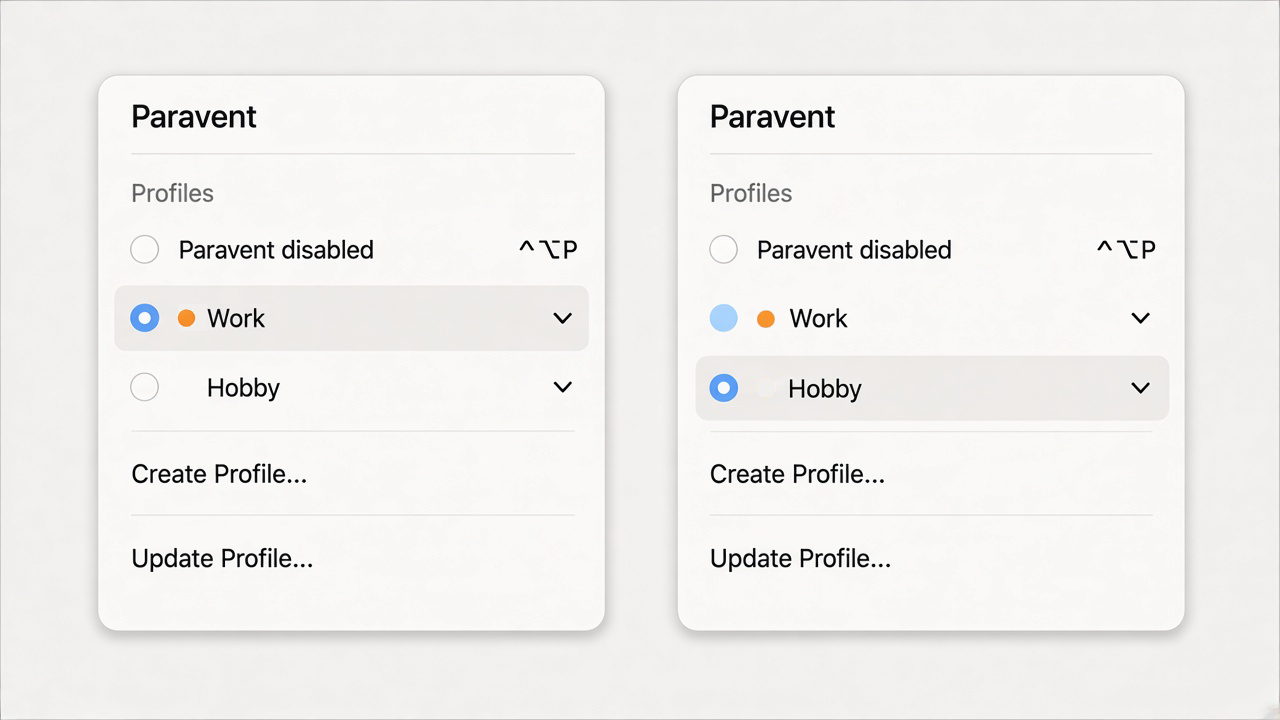
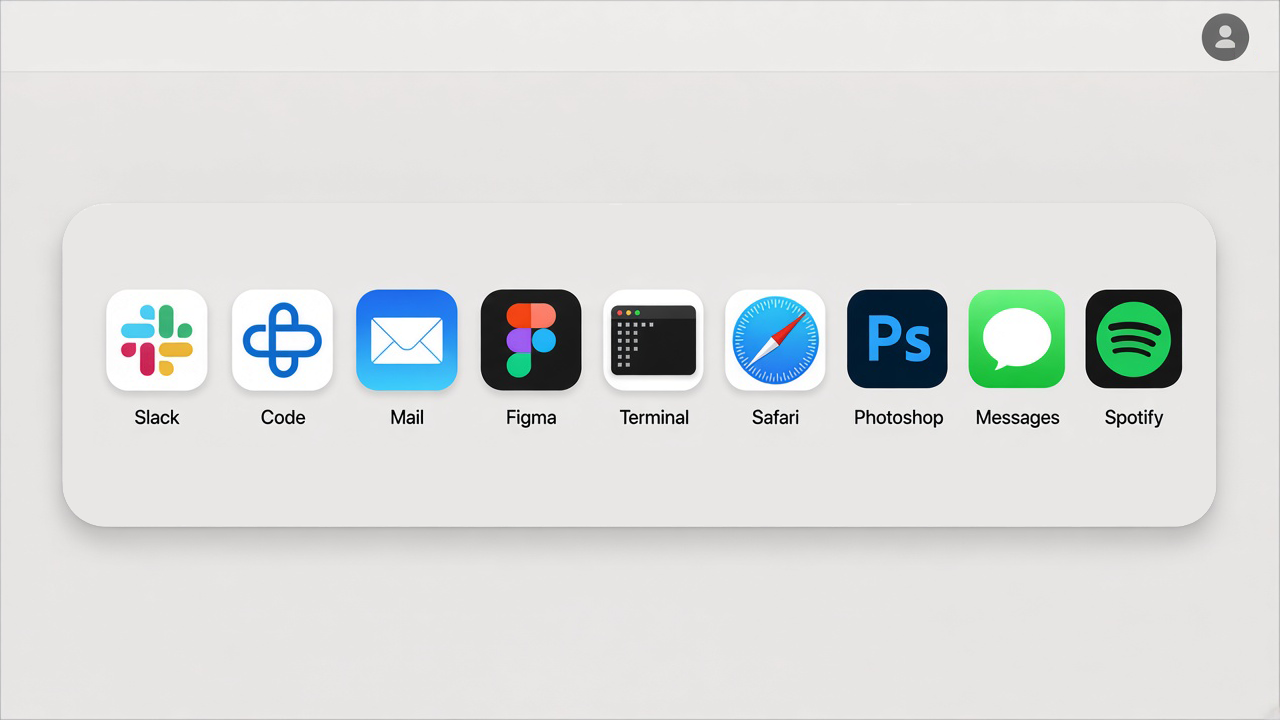
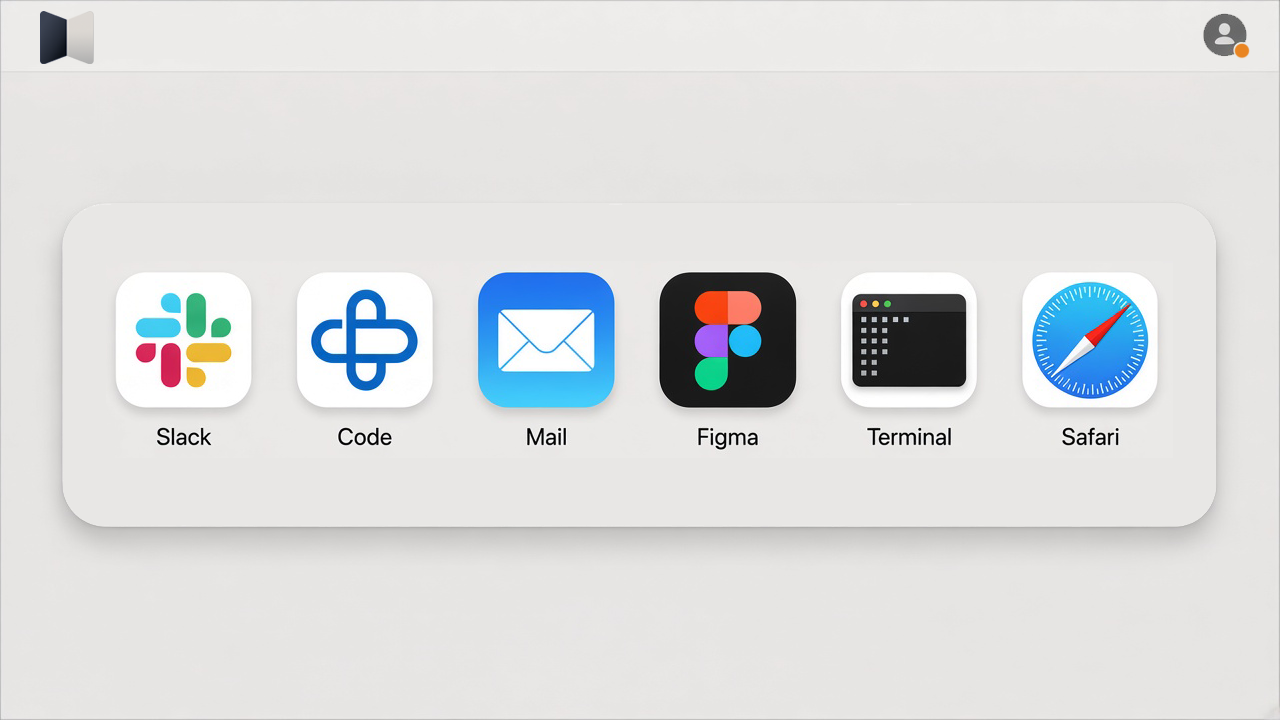
Your focus shifts. Your apps stay open.
Work, personal projects, and hobbies share the same screen — and the same attention. ⌘ Tab shows everything at once. Switching tasks exposes distractions and forces you to mentally reorganize.
-
Context profiles
Split your activities and choose the windows for each profile.
-
Filtered ⌘ Tab
See only the apps in the active profile when you switch tasks.
-
Nothing gets lost
Apps outside the profile stay open — open them whenever you need.
How it works
Three steps to separate your contexts on Mac.
Create a profile
Give it a name and, optionally, a color.
Choose apps and windows
Define which windows belong to that profile.
Activate when you need it
Switch only between the windows added to the active profile.
Help build Paravent.
A beta testing program will open during development. Participants will be selected based on criteria set by the team.
Sign up to receive updates on development and launch — no release date announced yet. Only subscribers will get instructions about the beta tester program.
Signing up for the news list does not guarantee participation in the beta program.
Keep me in the loopWatch Paravent take shape.
Get development updates, priority in the beta queue, and special terms for early followers.
No spam. Unsubscribe anytime. Privacy policy
Frequently asked questions
Answers about Paravent and how it works.